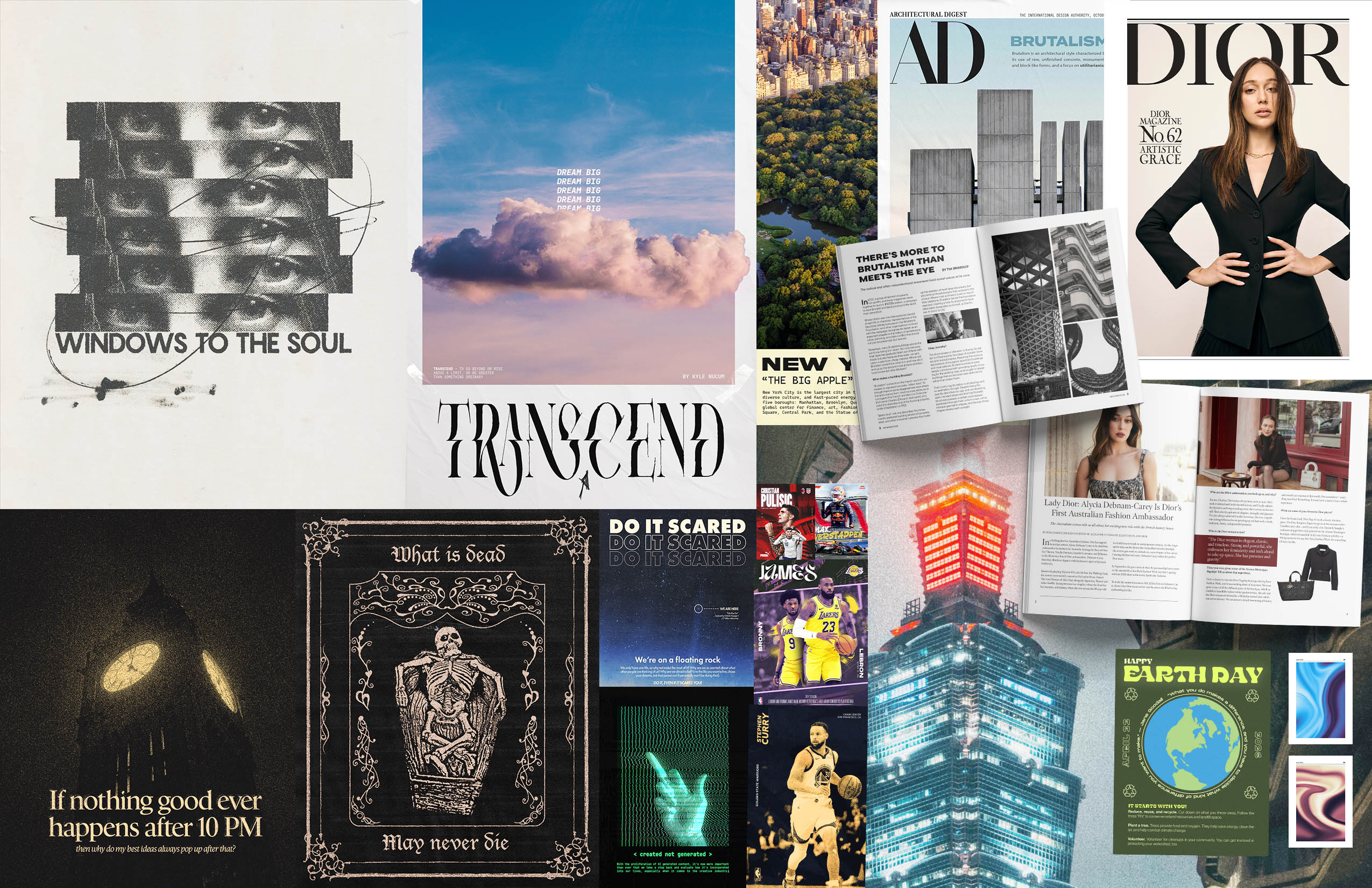
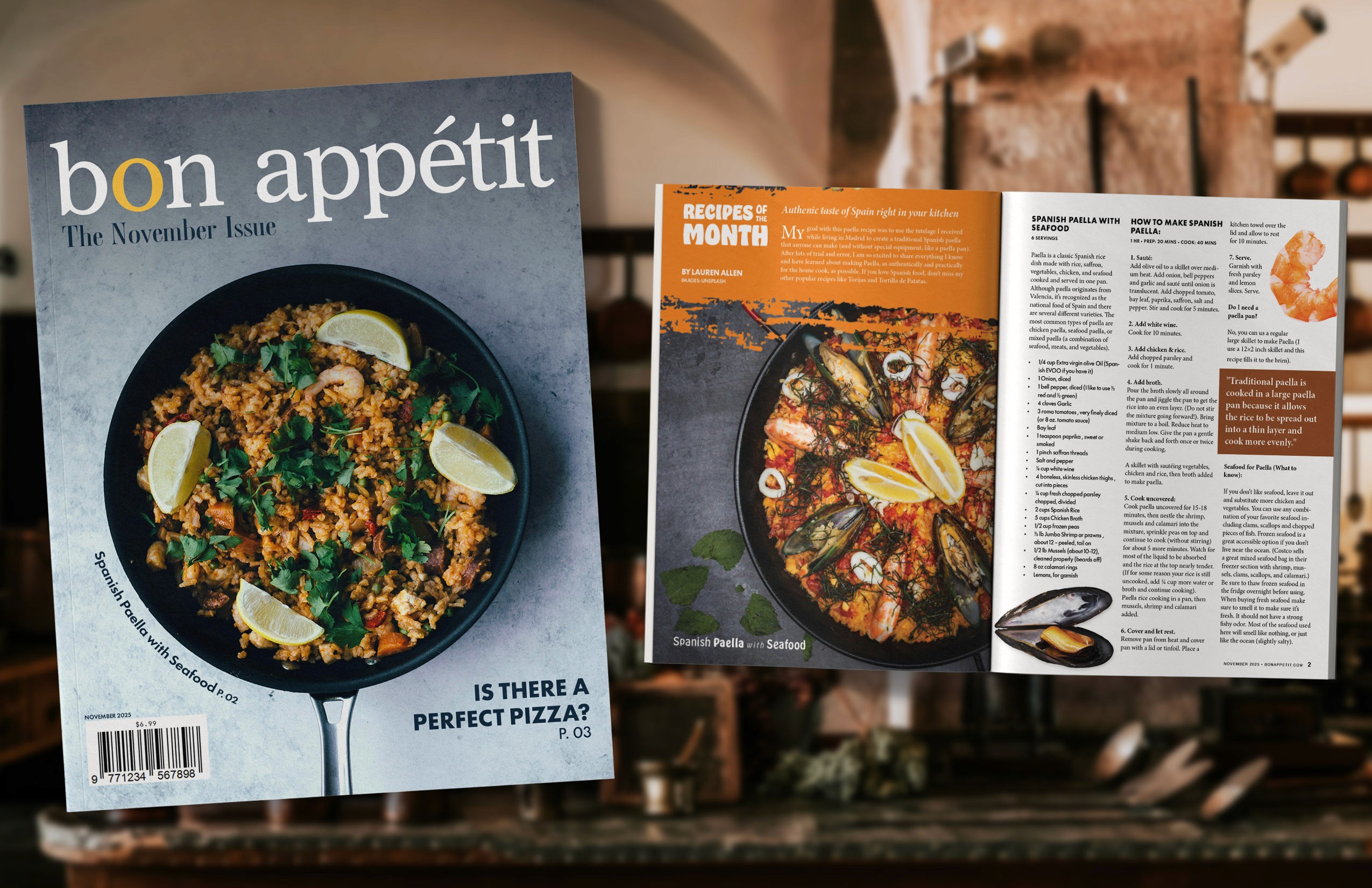
BRIEF
Design a social issue poster in Adobe Photoshop. Your teams will research and vote on a topic within the realm of environmental sustainability. After each team has built a presentation of this for the class, each student will make their own posters on social change that conveys the group idea.
PRELIMINARY REQUIREMENTS
Topic Selection
Research
Summary
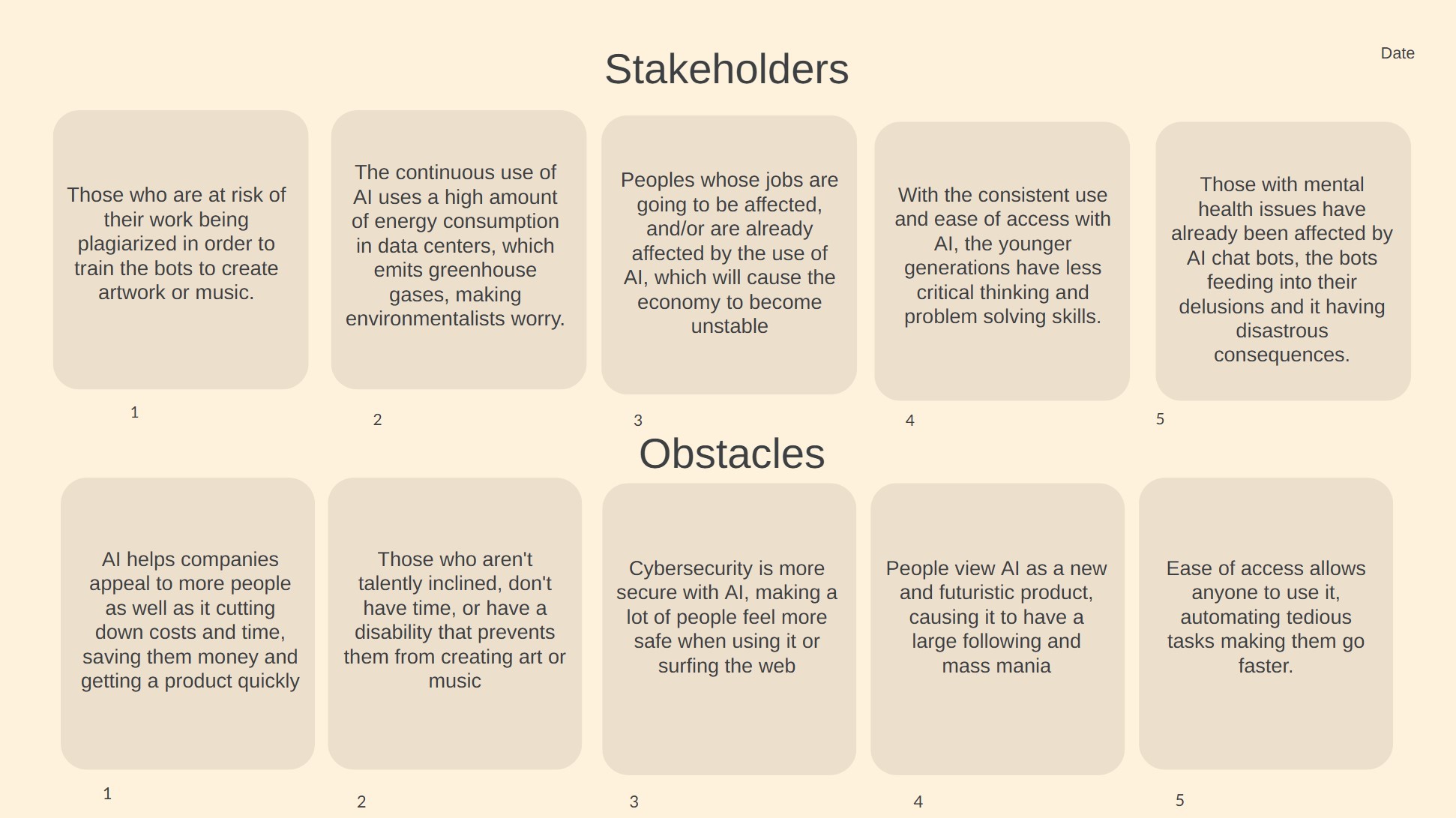
Stakeholders & Obstacles
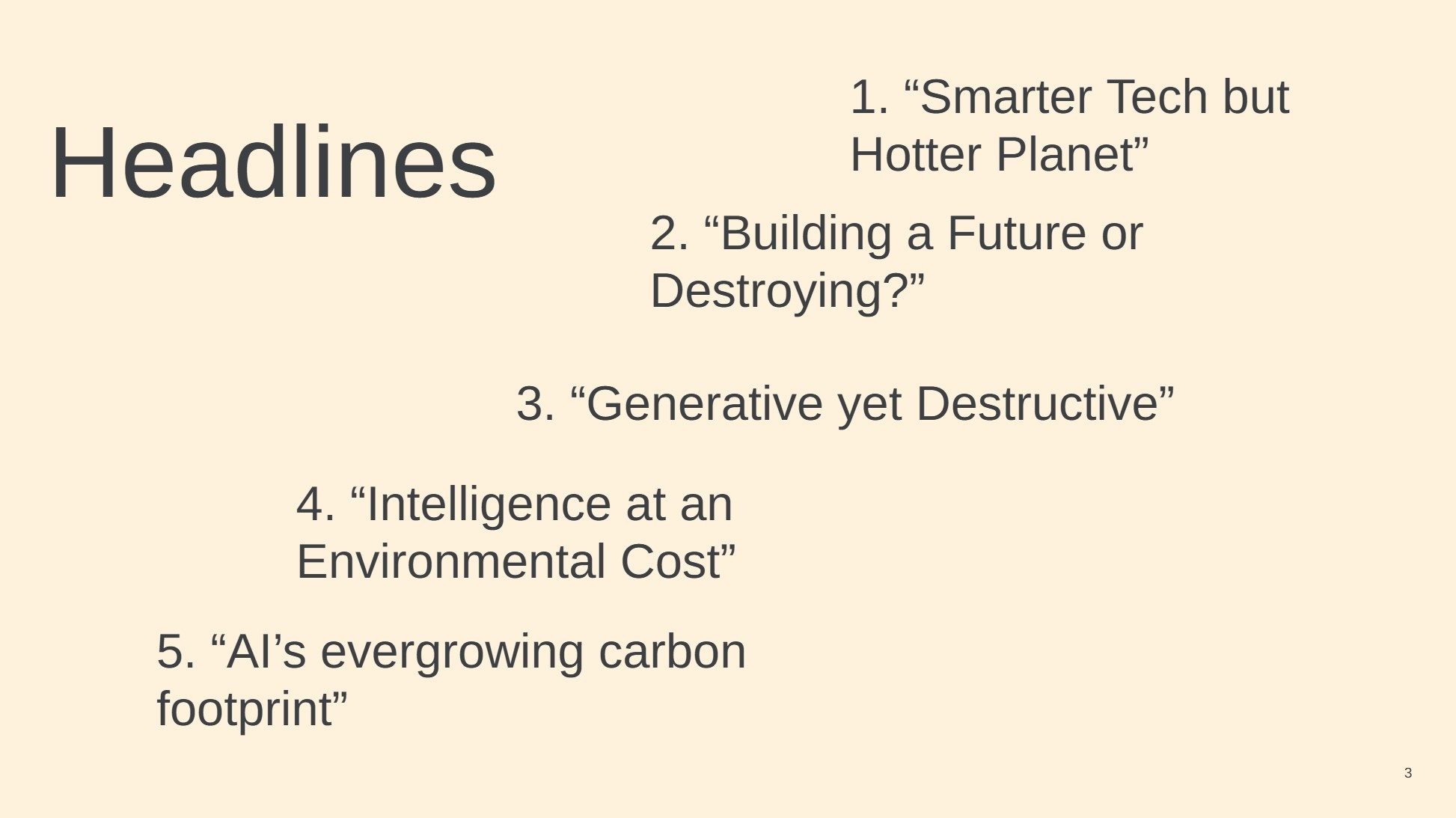
Potential Headlines
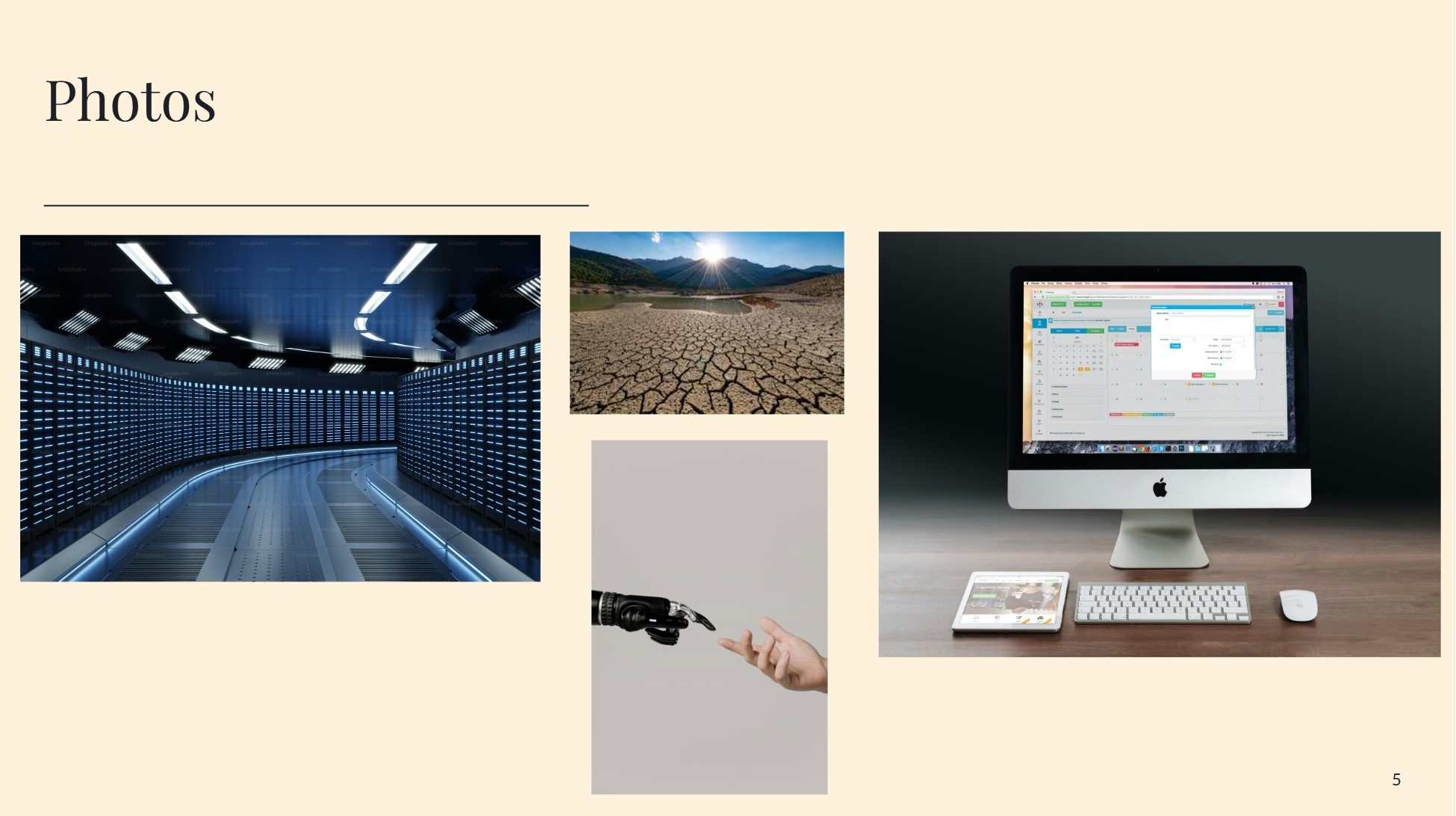
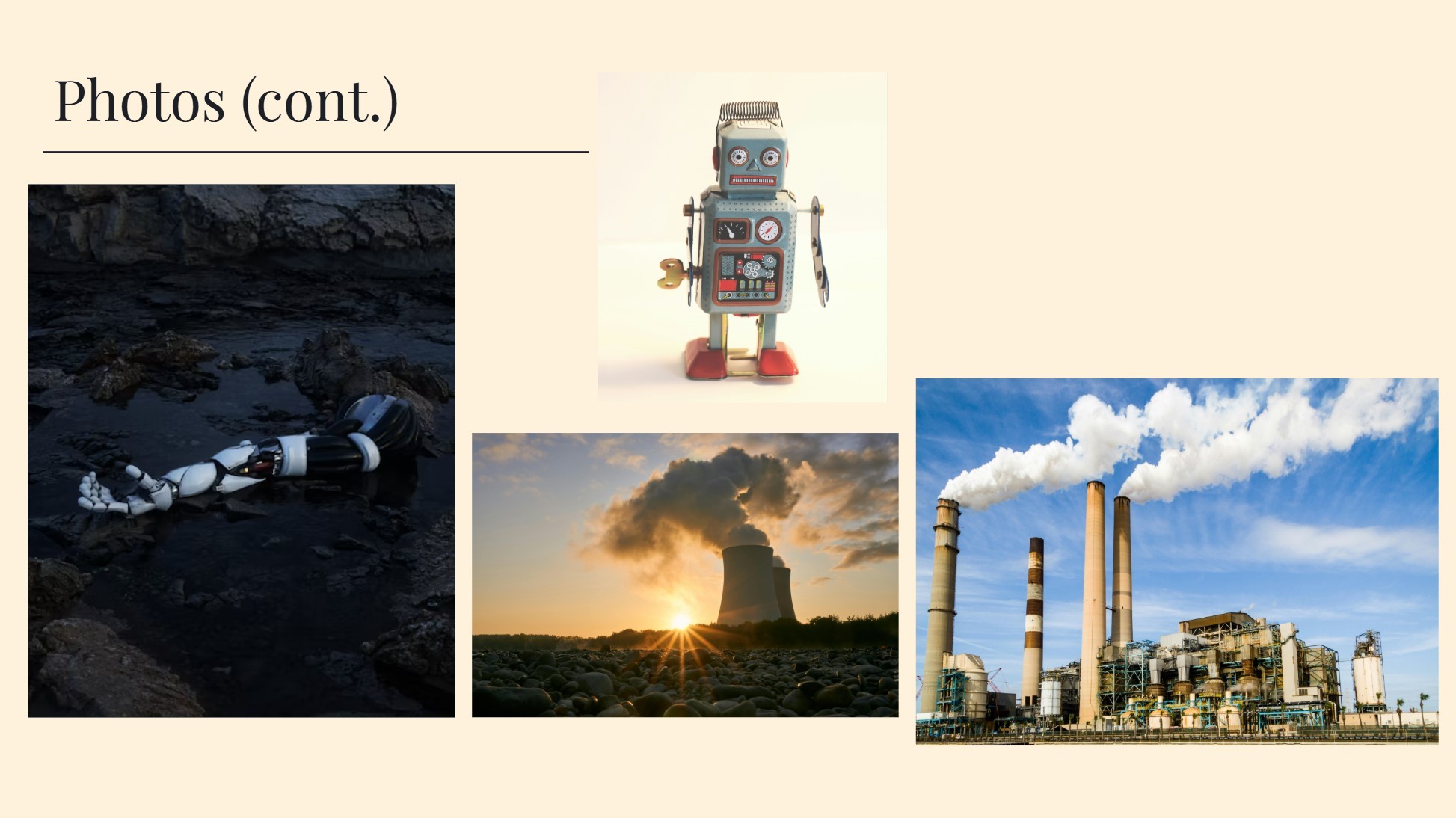
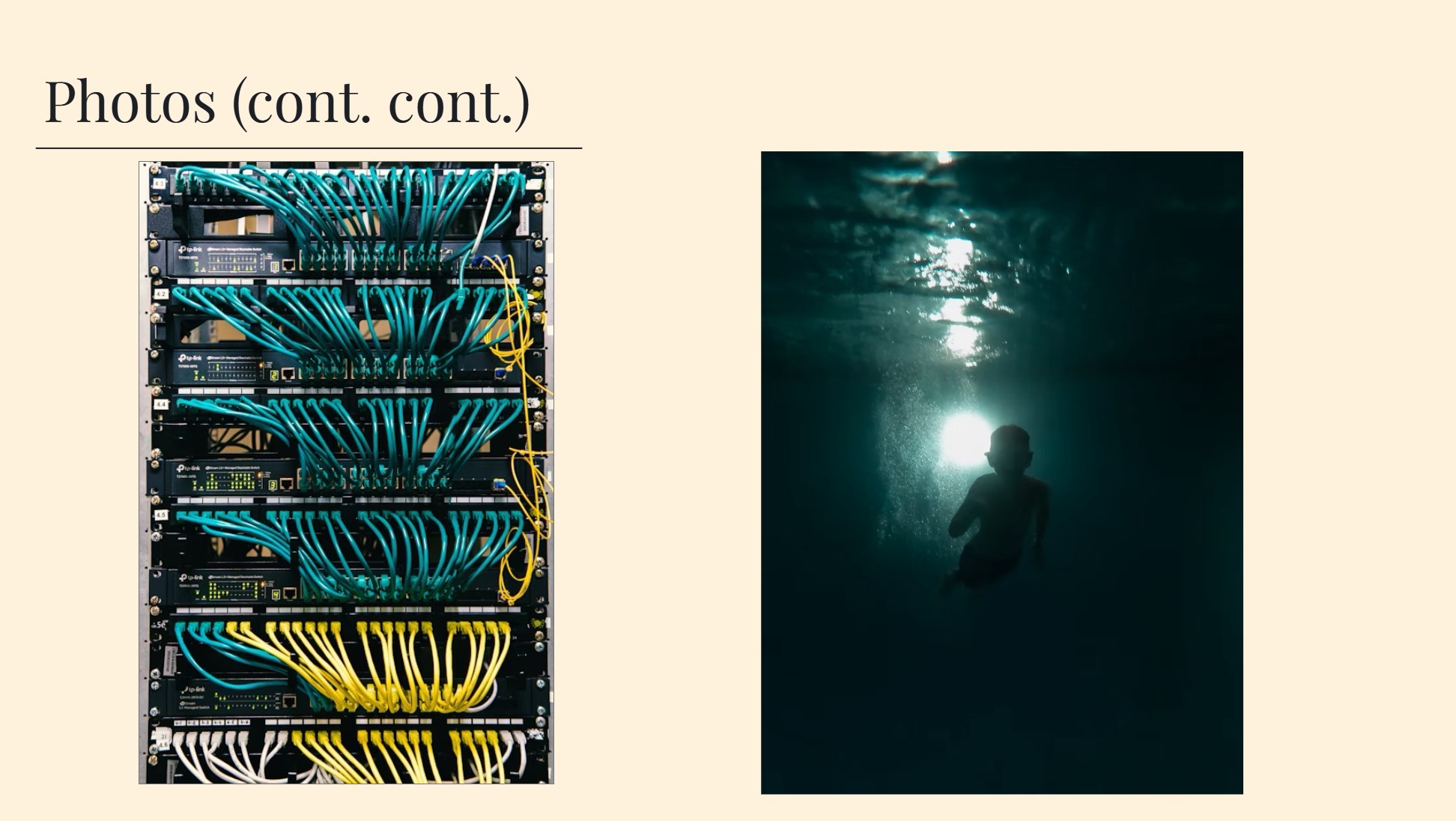
10 images relating to the topic
Google Slideshow or PDF presentation
PRESENTATION
The topic we chose to tackle as a group was how Artificial Intelligence is currently affecting our environment in a negative way. With the proliferation of AI in our society, we felt that this topic was very fitting for designing an environmental sustainability poster.

REQUIREMENTS & INITIAL DESIGNS
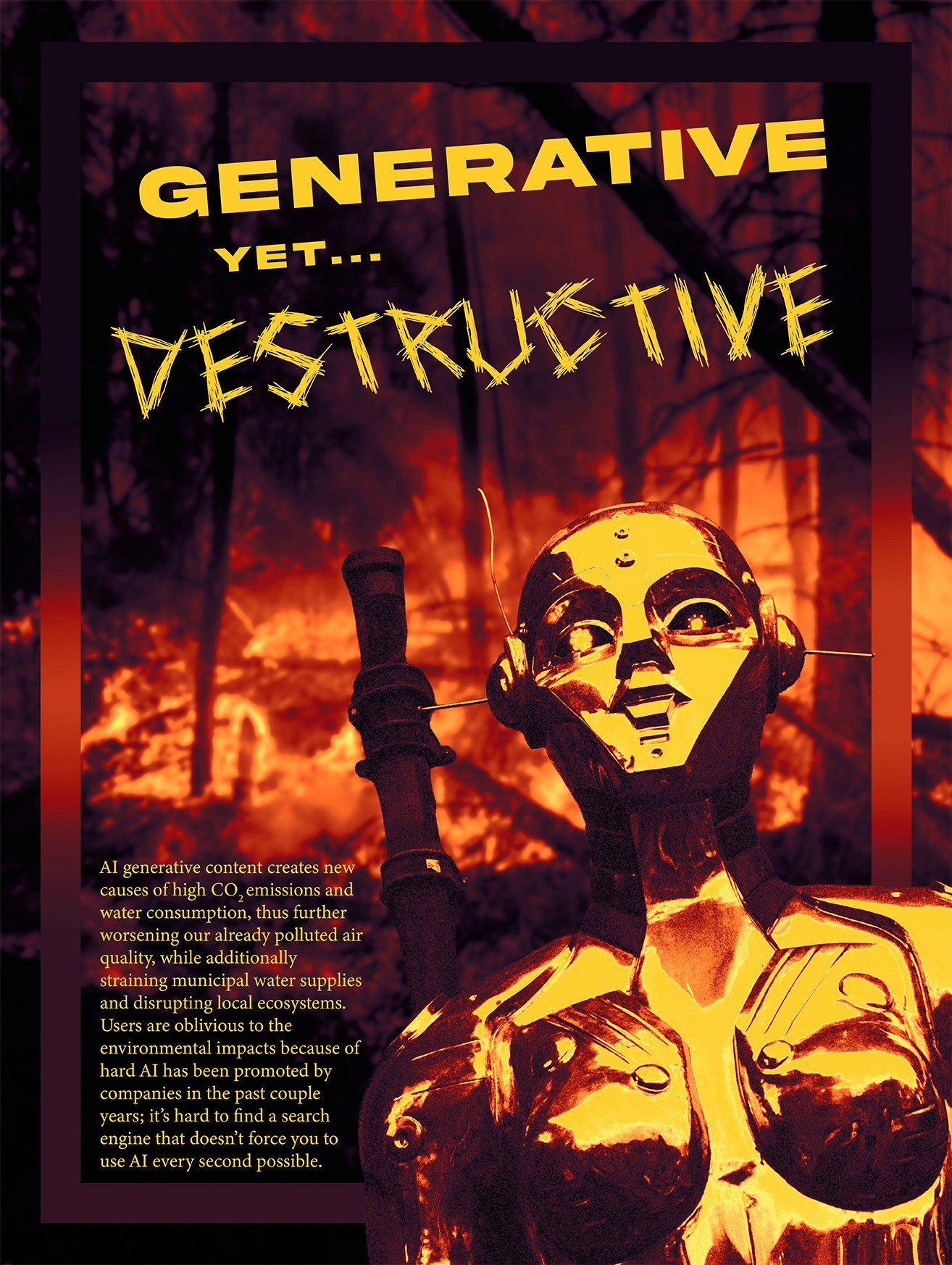
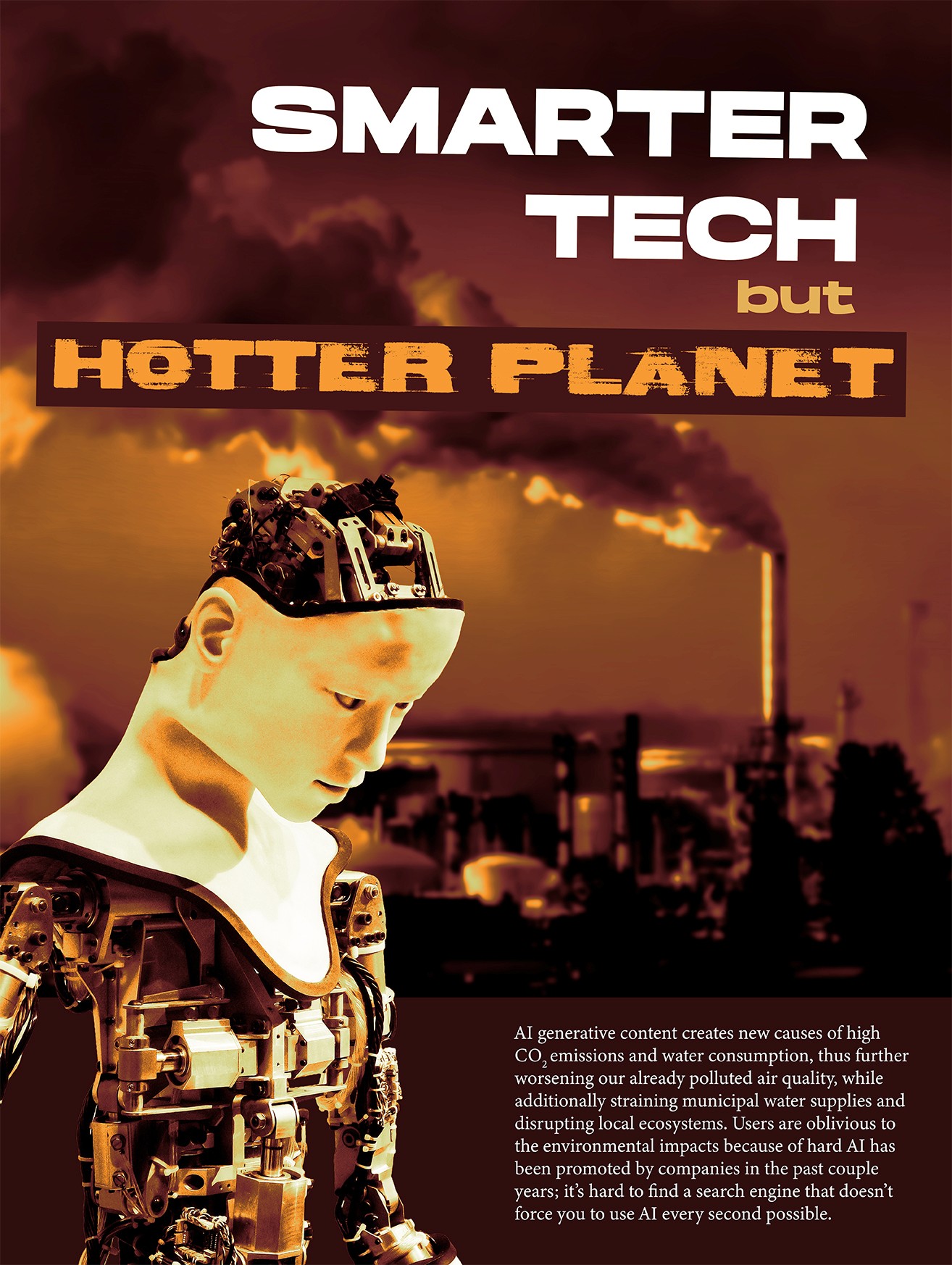
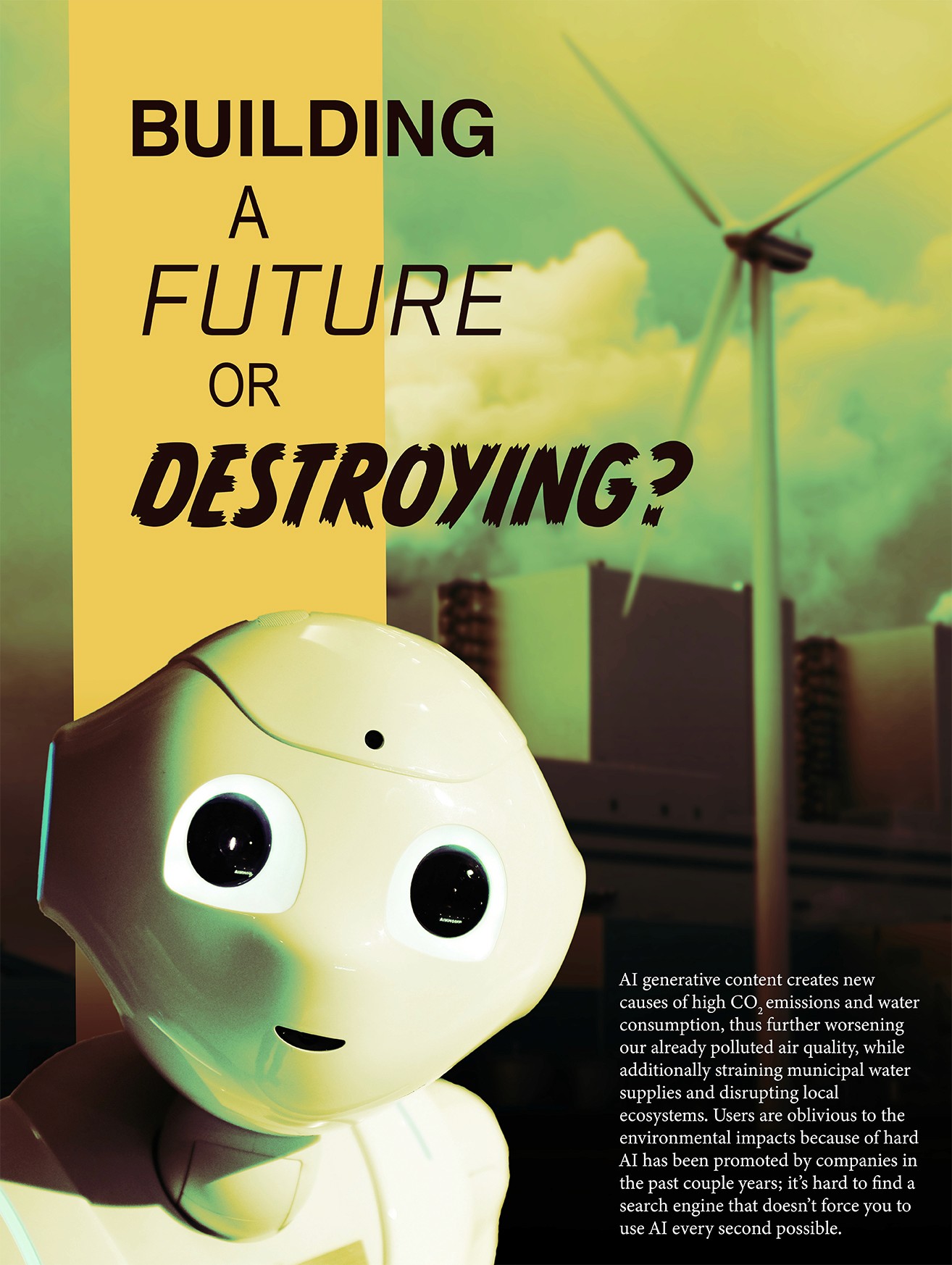
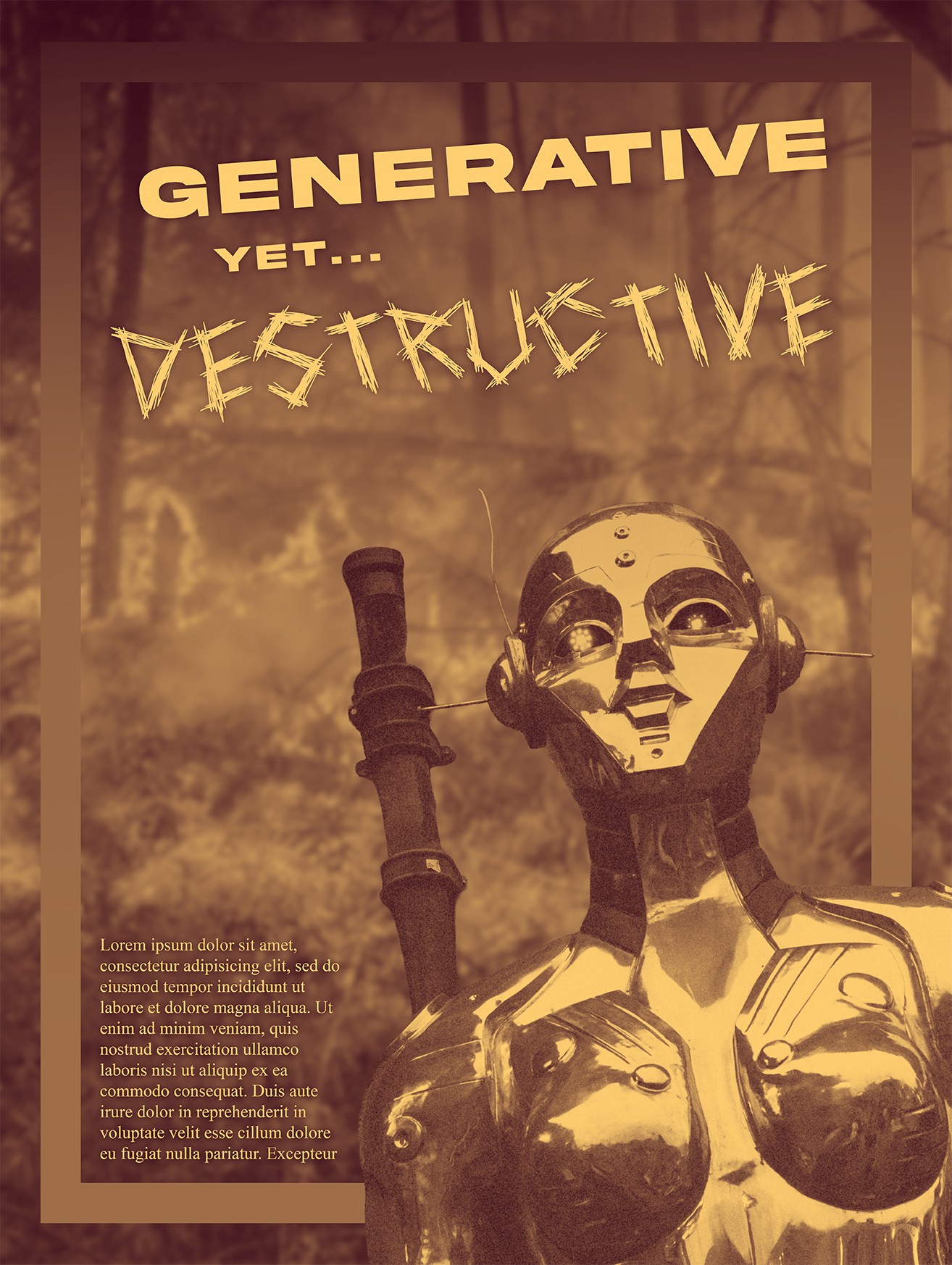
4 Rough Drafts
1 foreground image
Background image (has to be blurred)
1 of your headlines
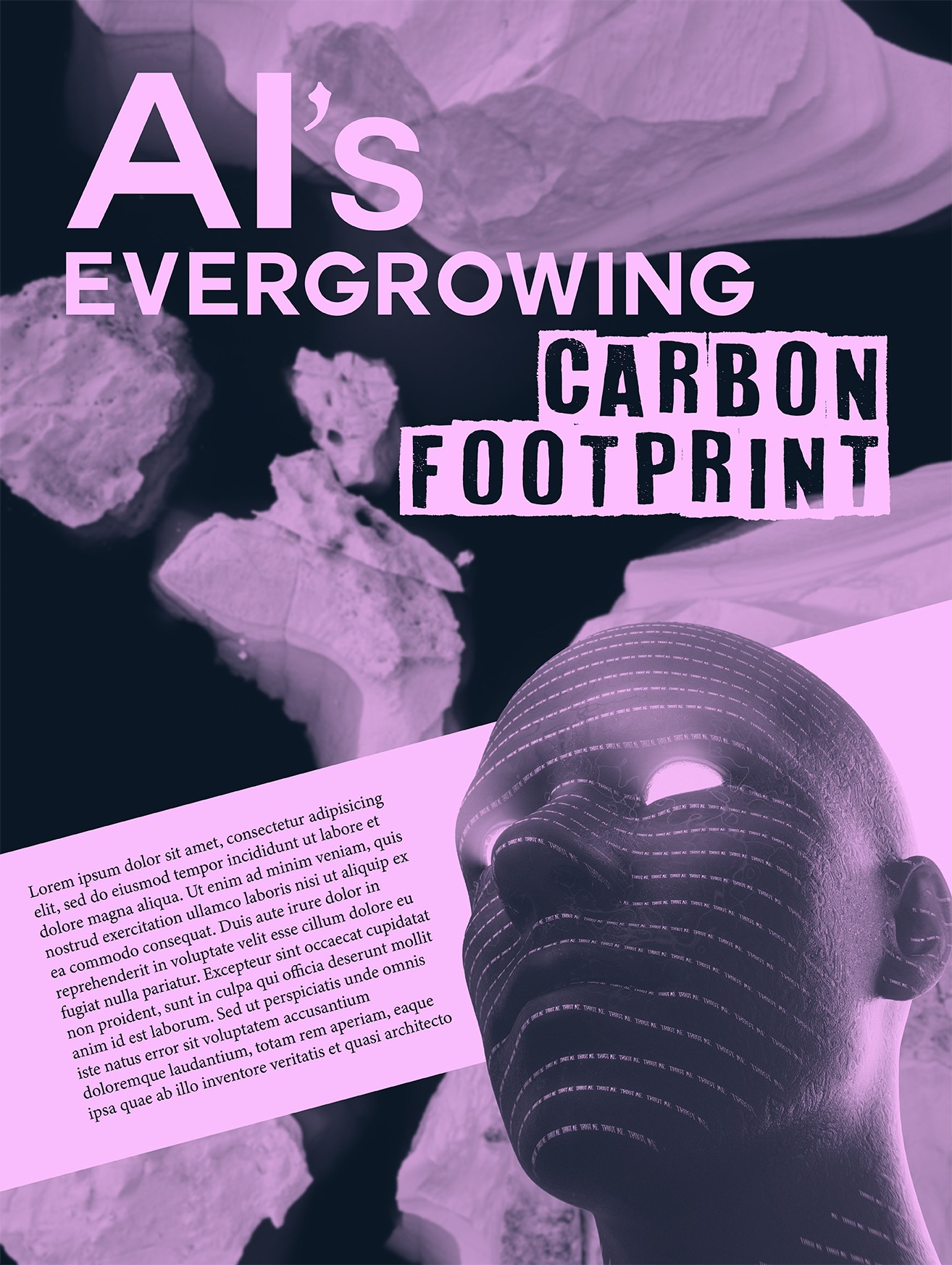
Body copy (use placeholder text at around approximately 24pt for this phase of the project)
A single shape, stripe, or block that separates your foreground and background
Top most layer is a Gradient Map (2 colors)
DECISION & FEEDBACK
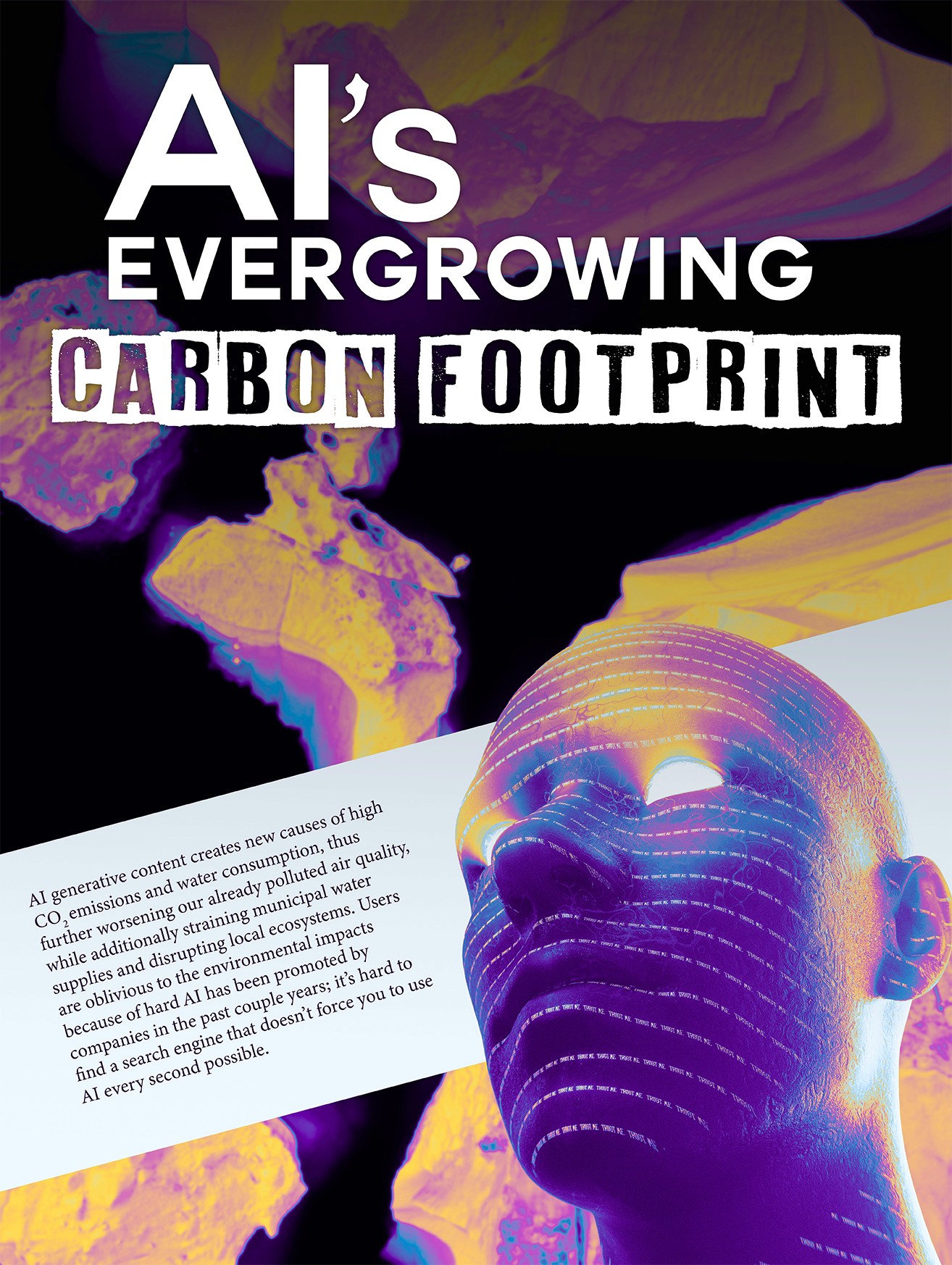
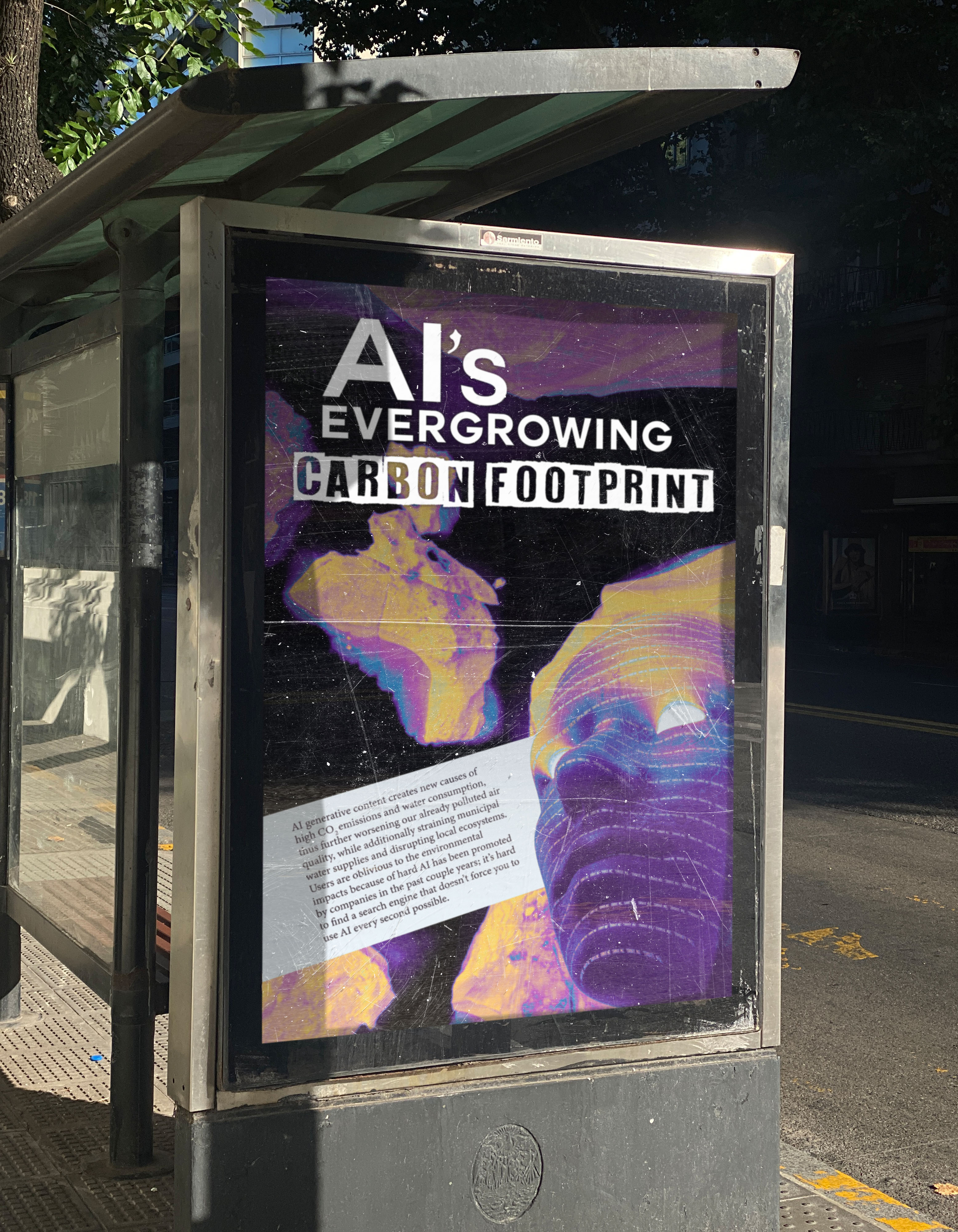
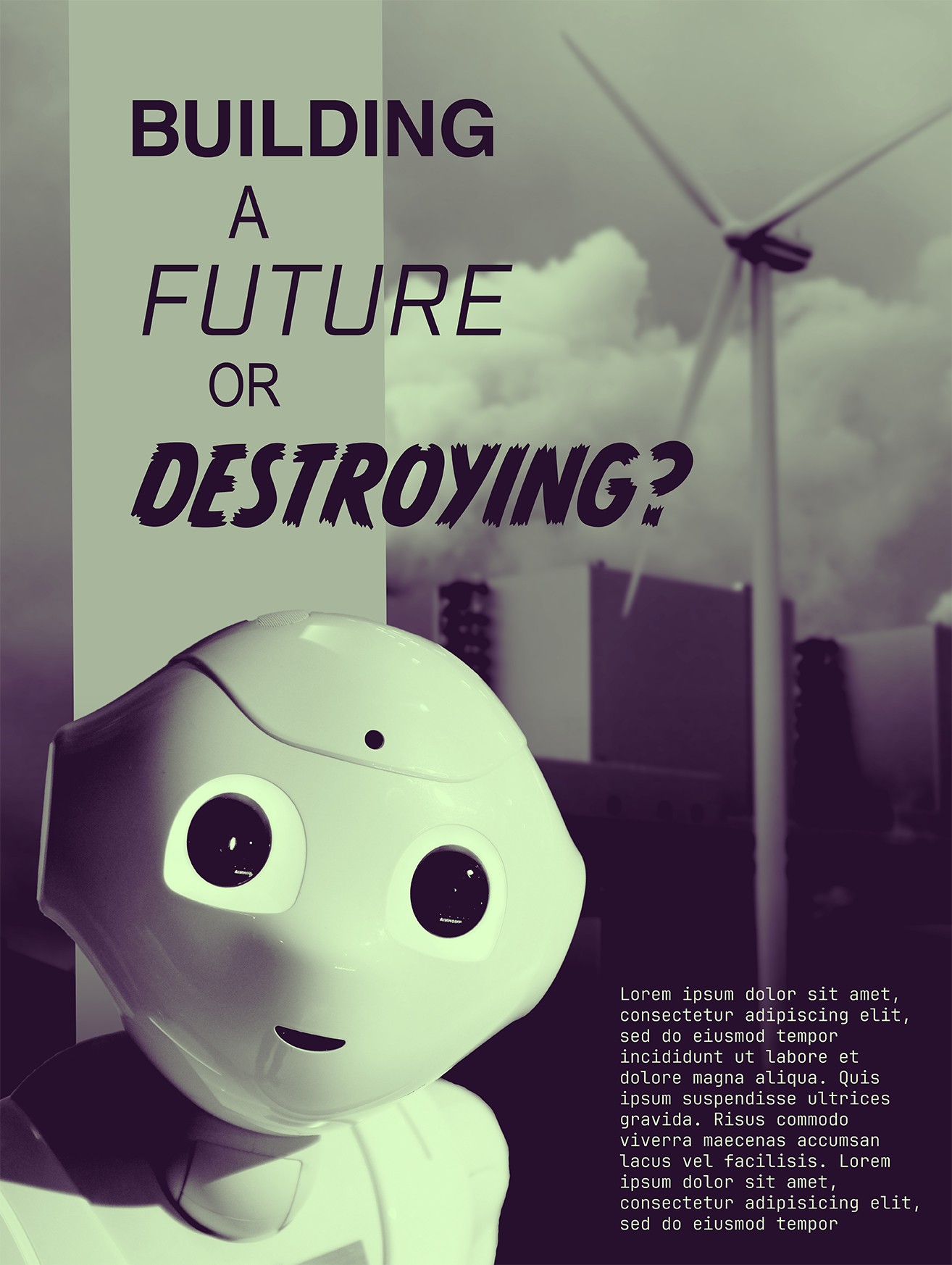
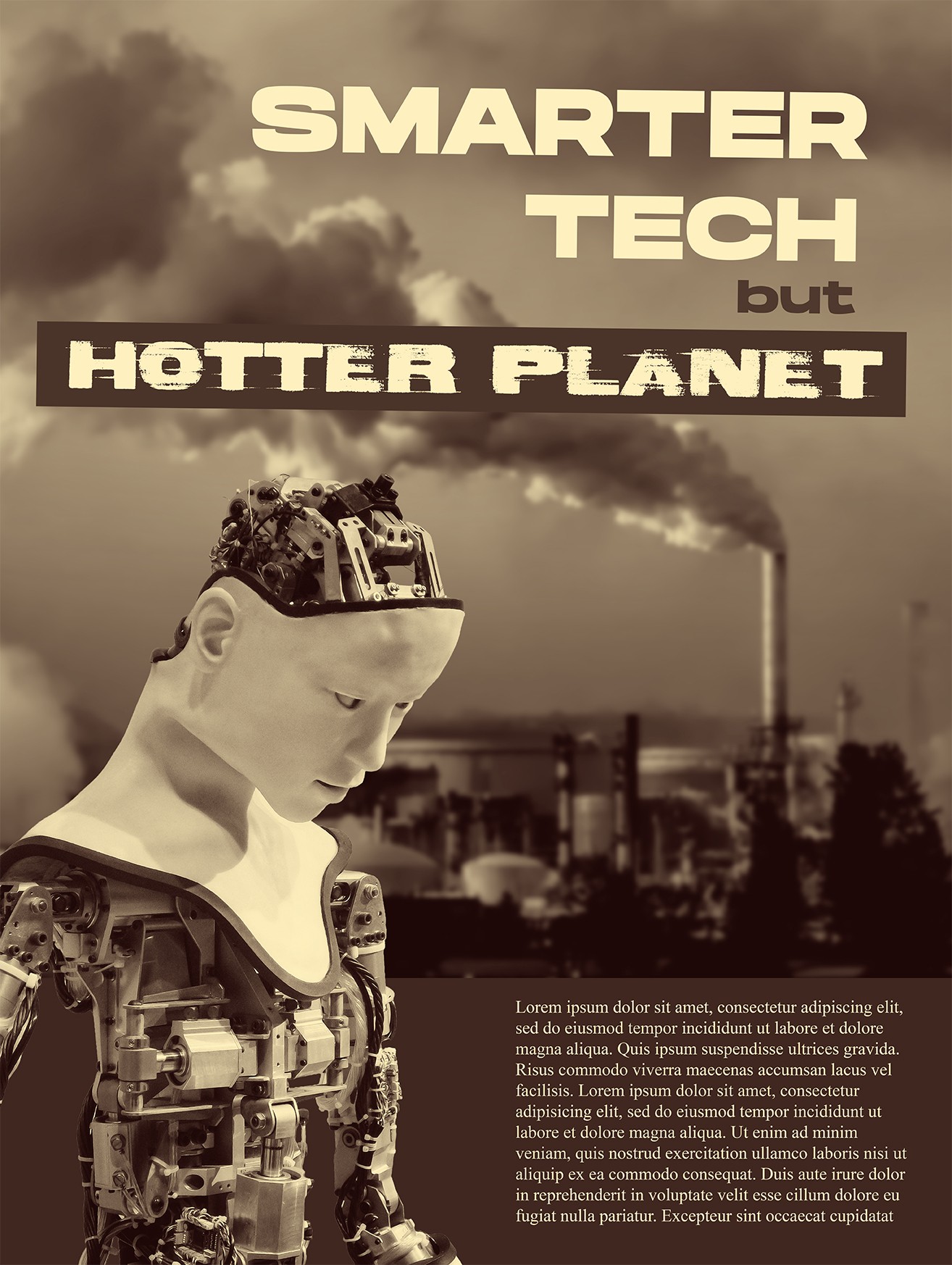
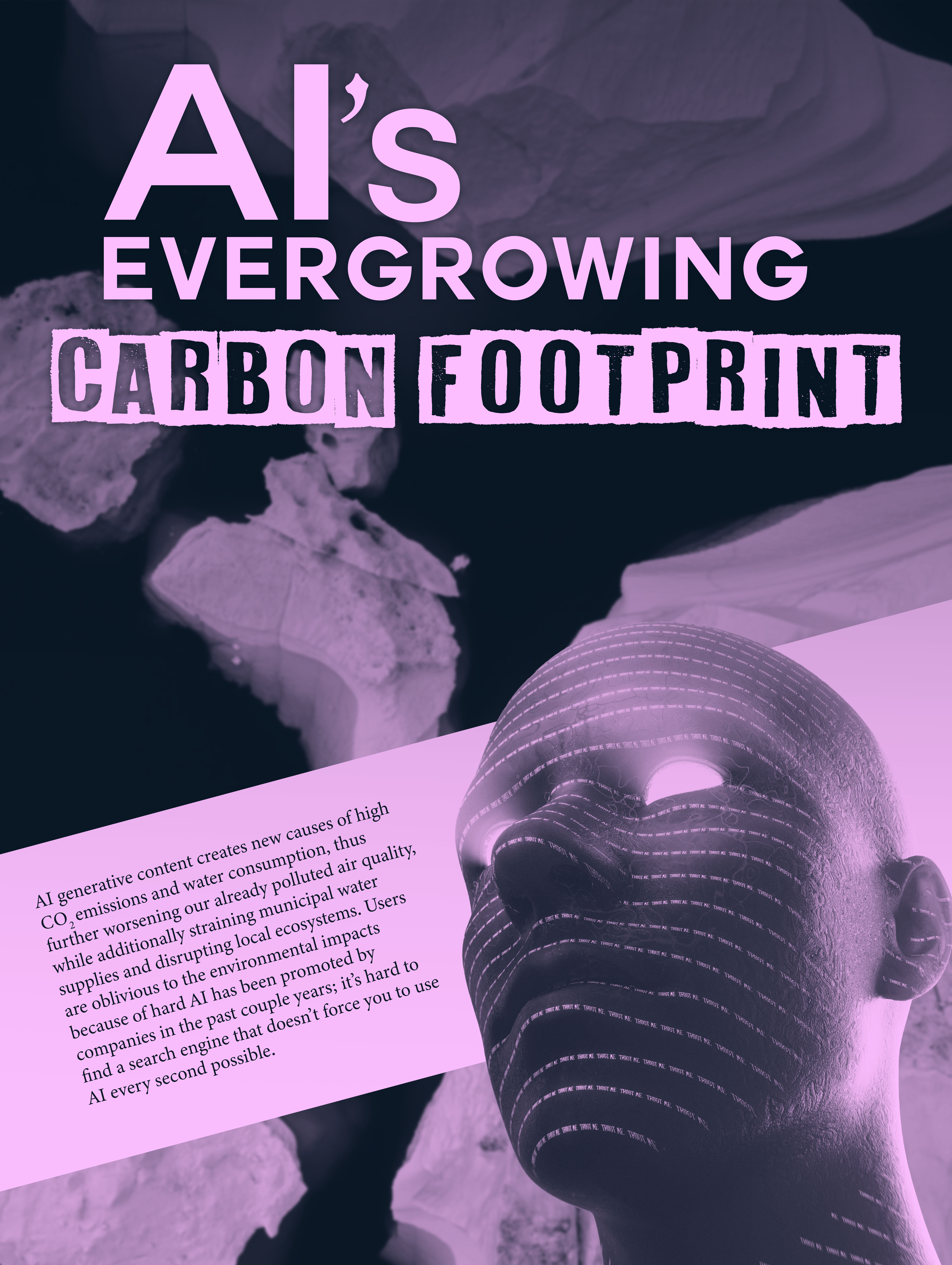
I decided on taking the purple poster to the final phase because I liked the hierarchy of the text, layout, and the overall feel I was trying to convey. Feedback I received from the in class design critique was that the headline took up a big portion of poster so I adjusted the 'carbon footprint' text to be on the same line for better usage of poster real estate. There was also some legibility issues for my headline so I added a gradient behind the text to better separate it from the background.
FINAL WORK
After using the information from the critique to further refine our design, we then also updated the lorem ipsum paragraph text with text from the summary portion of the presentation to support the headline.
It was also required that we print out our poster on a large format Epson printer. Measured, trimmed the .125" bleed, and mounted onto a railboard.

GOING BEYOND THE TWO COLOR REQUIREMENTS
Even though the poster was complete and met all the requirements, I wanted to have a little bit of fun and explore some options with the colors to see how I could transform them without the gradient limitations.